

First, you need to install the Localtonet app on your phone by download it from the Google Play Store here: https://play.google.com/store/apps/details?id=com.localtonet.localtonetapp
Next, go to https://localtonet.com and sign up for an account. Once you're signed up, go to the clipboard page and copy the AuthToken.
On the Localtonet app on your phone, paste the AuthToken in. You should see an Android icon on the "My tokens" page.

You can adjust the settings for how often the phone goes into airplane mode, and you can also generate a reset link.
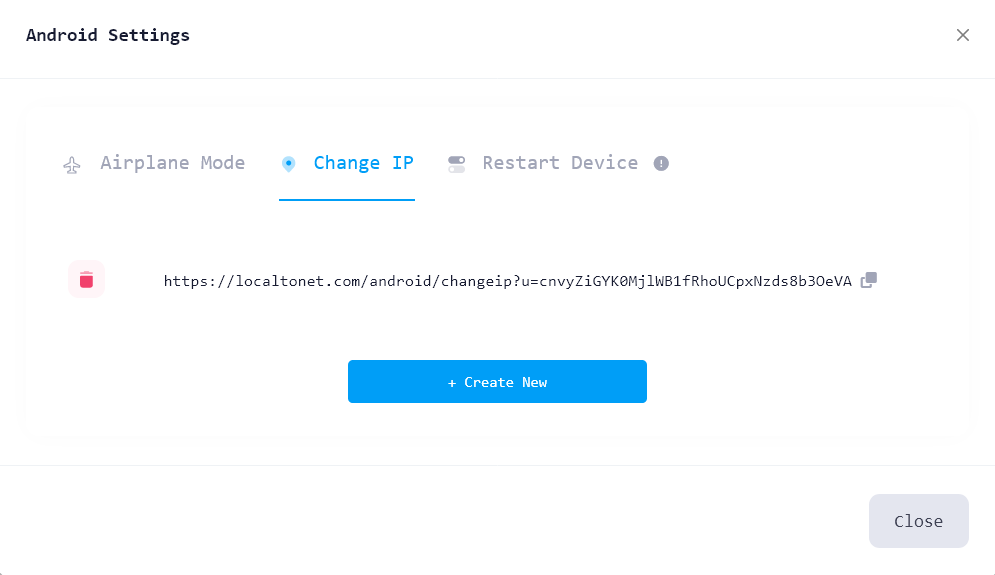
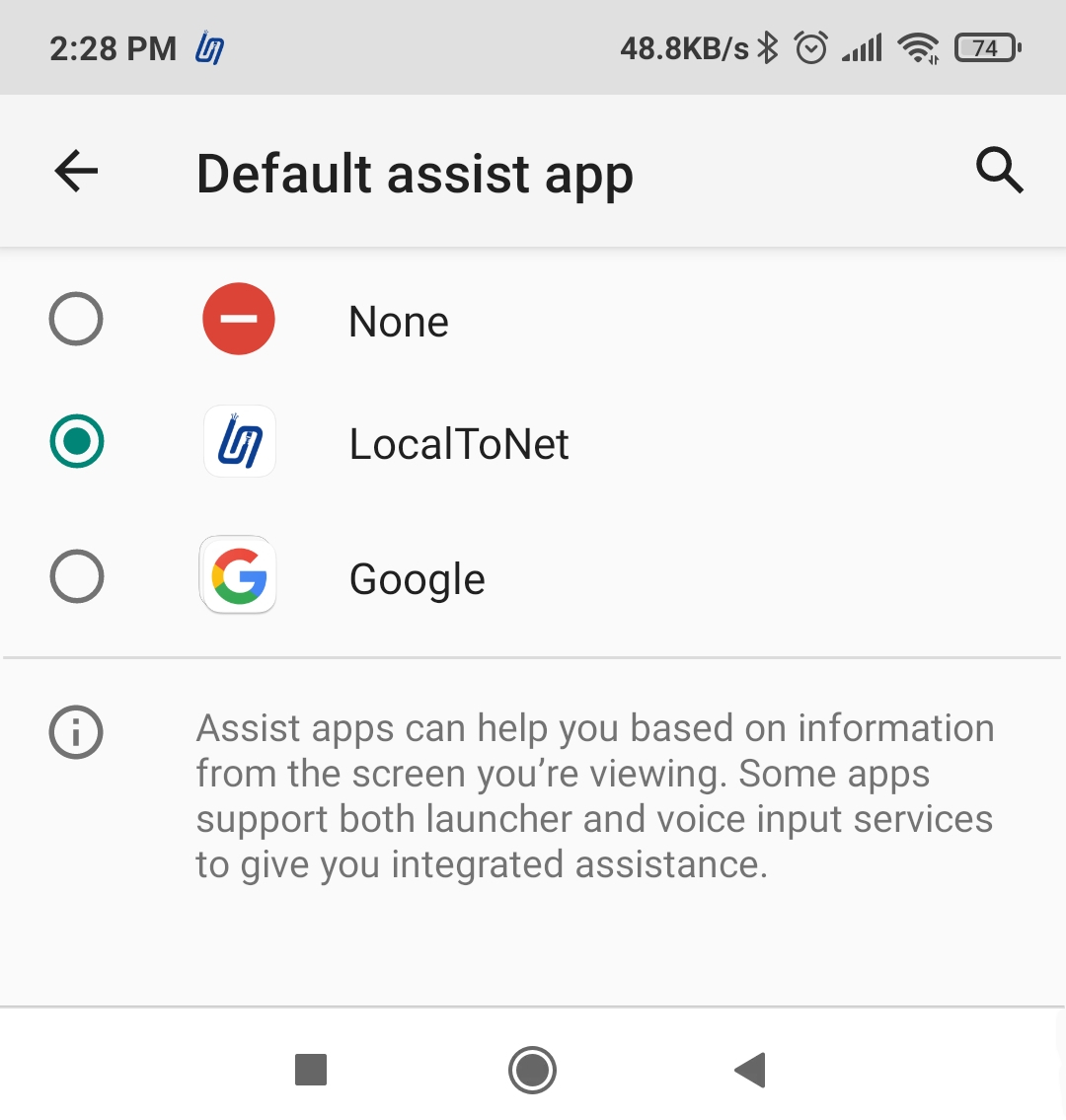
If your phone is not rooted, when you generate a reset link, trigger it once and the default assistant settings page will open. From there, select Localtonet as the default assistant.
Next, go to https://localtonet.com/tunnel/proxyserver and choose either HTTP or SOCKS proxy, then create it. Click "Start" to start the proxy server.

You can connect to the server using the IP address and port number provided. You can also set a username and password in the tunnel settings.
Note that the SOCKS5 proxy now supports TCP/UDP. If you need a custom proxy package for multiple phones, you can contact the Localtonet team.